A vendor demo for an AI assistant almost always ends the same way: it reads a Slack thread, drafts a task, and the room nods. What the demo doesn’t show is everything else the same credential could have done with that thread: edit a page in a different wiki space, close a public feature request, send a summary somewhere outside the team. Most evaluation checklists stop at the demo and a security questionnaire, and skip the question that decides what goes wrong later: which resources can this assistant read, change, create, and disclose, right now, with the key you are about to hand it.
A security review is not a scope review
A SOC 2 report or a pen test tells you the vendor’s own systems hold up: encrypted data at rest, access controls on their infrastructure, an incident response plan that actually gets tested. None of that tells you what the credential you issue inside your own workspace is allowed to do. An assistant can clear every item on a security questionnaire and still hold a key wide enough to read a private planning note and quote it somewhere public, because scope and security get evaluated by different people asking different questions, and procurement usually only asks one of them.
This matters because of who signs off. A founder or engineering lead approves an assistant like Dutify’s AI Coworker, built to live in Slack or Teams and write to a handful of products: tasks, a wiki, a feedback board. The approval happens after a demo of what the assistant did well, and nobody in that room has walked through everything the same credential could reach. Nobody in that meeting is being careless. Nobody has been asked the right question yet.
Read, change, create, and disclose are four different bets
The four things an assistant can do with a resource carry different weight. Reading a document is close to free: at worst, a credential with read access skims something it shouldn’t have, and the damage is bounded by whatever a person notices in a log. Changing an existing task or page costs more, because a wrong edit takes someone real time to catch and undo. Creating something new, a task, a comment, a page, adds a record other people will treat as true until someone corrects it.
Disclosure is the one that doesn’t roll back. An assistant that reads from a private location and writes the result somewhere more people can see it, or anyone can, has turned a mistake that was fixable into one that already happened. A task created wrong can be edited. A public comment that quoted an internal discussion already went out.
A wiki makes the disclosure risk easy to see
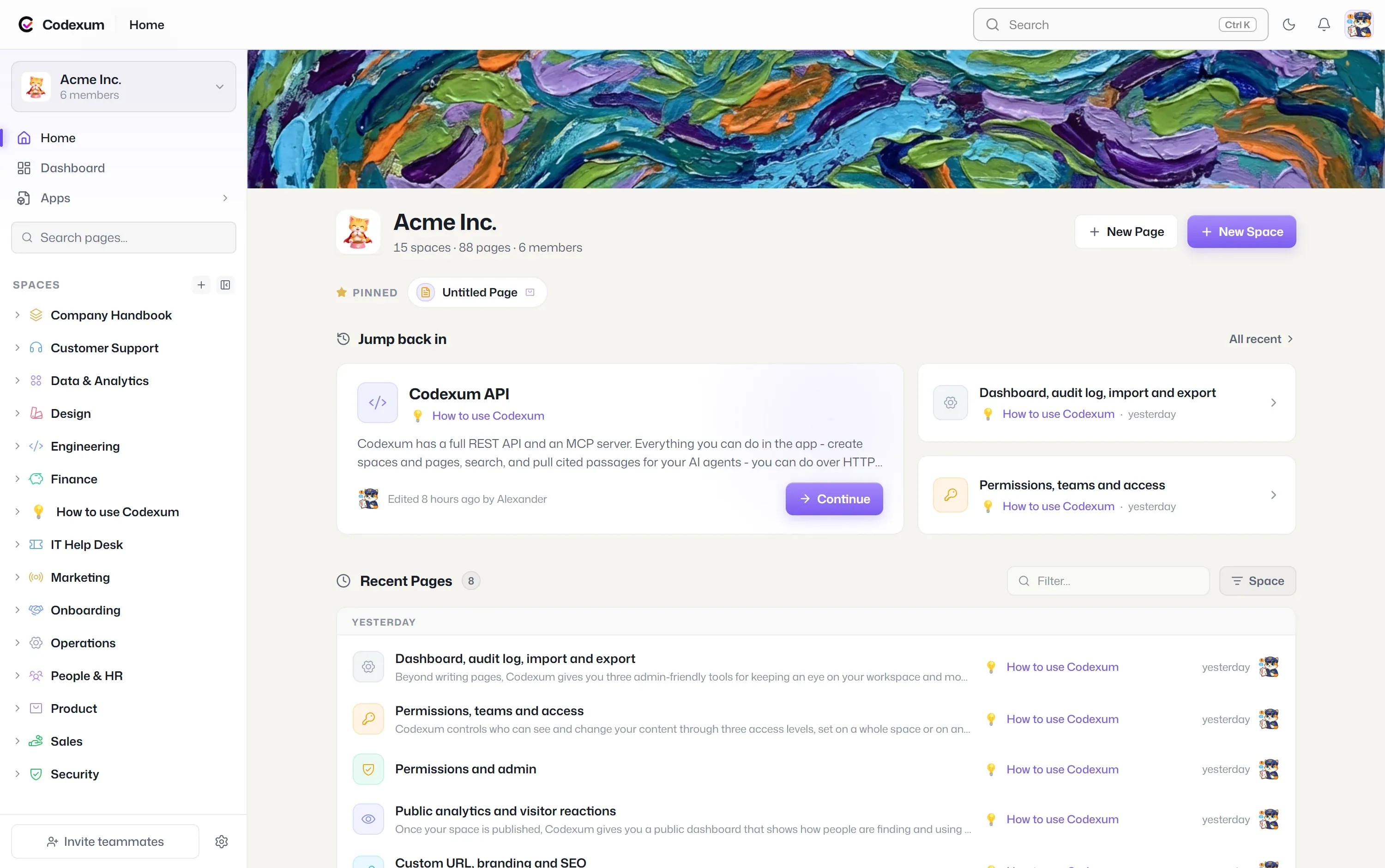
Codexum, Dutify’s wiki, is a clean example of why disclosure deserves its own line item instead of folding into “read” or “create.” A workspace can hold private spaces for product planning or support runbooks right next to a space that’s published as a public docs site or help center, visible to anyone with the link.
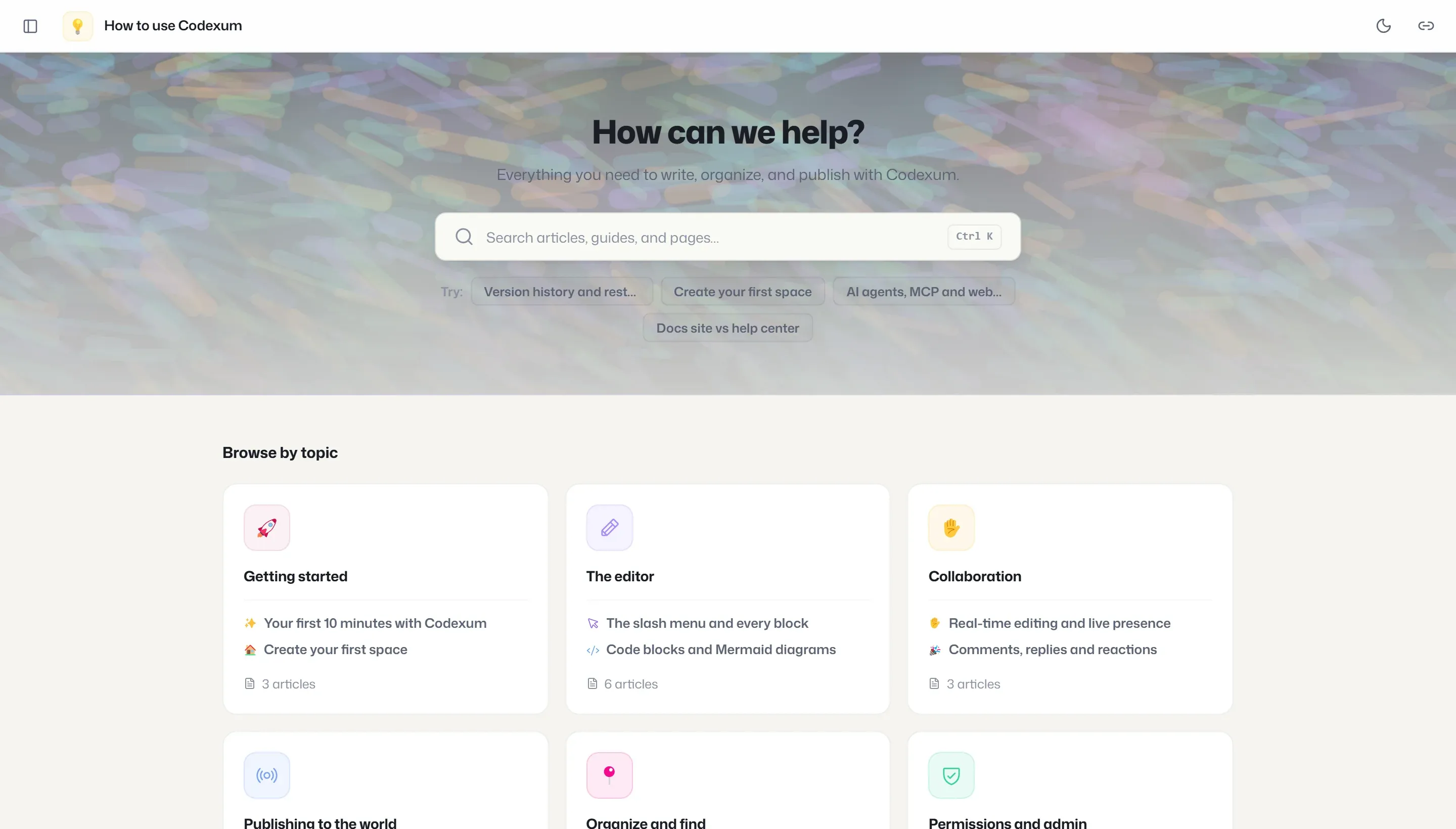
An assistant that treats “search the wiki” as one undifferentiated action, without carrying forward which space a result came from, is one drafted answer away from pulling a sentence out of a private planning space and putting it into a public help article, or the other direction: pulling an internal note into a customer-facing reply in Slack. The failure isn’t that the assistant read the wrong thing. It’s that what it read and what it will write next sit in two different visibility zones, and nothing in the request forced a check between them.
That boundary between a private space and a published one existed before any assistant touched Codexum. What changes is the cost of getting it wrong. A person publishing a space makes one deliberate choice. An assistant answering questions all day in Slack makes that choice every time it answers one, with no one watching each decision go by.
People already got this default before any assistant did
Dutify Cloud’s dashboards went through a version of this question this month, for a much smaller stake. Editing a shared dashboard view used to mean moving a widget or resizing a chart changed what everyone on that list, folder, or space saw. As of a change shipped October 1, those edits save to the editing account by default. Making them visible to the rest of the team now takes an explicit “Save for everyone” action, and a separate control resets a dashboard back to someone’s personal layout without touching what anyone else sees.
Nobody built that for AI. It’s a fix for a person dragging a widget and accidentally rearranging a dashboard five teammates rely on. But it’s the same shape of fix: default to the narrow, personal, easily reversed state, and require a visible, separate action to widen it. A team that already insists on that default for a person moving a chart has no real argument for skipping it when the thing moving charts, or pages, or public tickets, is a credential nobody is watching in real time.
What an evaluator should ask to see
This is the practical test: before authorizing an assistant on a real workspace, ask the vendor to run one real action, a plausible Slack message or task update, and show, before it executes, the full list of what else that credential could read, change, create, and make visible, broken down by product and by space or board. Not a permissions page in a settings doc. Not a line in a security addendum promising role-based access. A concrete, resource-level preview against your actual workspace, run against a request that looks like the ones your team sends.
If a vendor can’t produce that preview, the usual reason is that the credential’s scope was never designed narrowly enough to describe. A system built around scoped keys, per-product permissions, and space- or board-level visibility can show you the list because the list is short and already enforced. A system built around one broad key that happens to work everywhere can’t show you the list because there effectively isn’t one. The only way to find its edges is to wait until it hits one.
What skipping the preview costs
That cost rarely shows up at signing. It shows up months later, when a customer-facing help page quotes an internal planning note, or a public feature request closes itself, and the trail leads back to a credential nobody asked to describe its own reach before anyone approved it. Dutify’s AI Coworker is built around the same kind of scoped credential this preview is asking vendors to produce: keys bound to a specific product and workspace, wiki spaces in Codexum that keep their visibility when the assistant reads from them, feedback boards in Roadmarq that stay as public or private as whoever set them left them. Asking to see that scope before authorization isn’t an extra step bolted onto a sales process. It’s the same question a team already answers for dashboards and tasks, asked once more before handing a key to something that moves faster than a person dragging a widget.