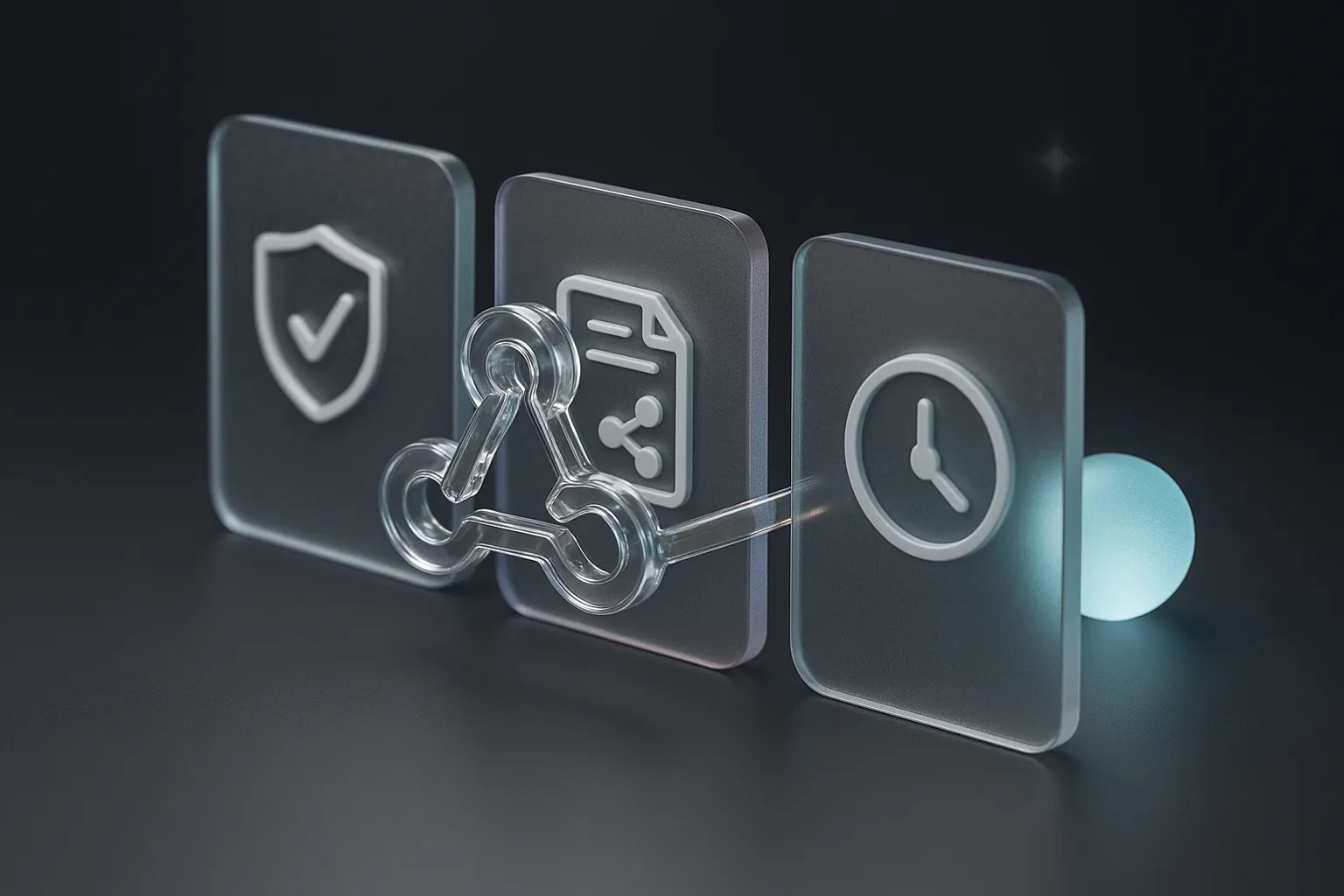
The first real event a new webhook sends is usually the first time anyone on the team sees what the payload looks like. That is a bad time to find out. The receiver was written from documentation or from a guess, and the automation behind it is already wired to act on whatever arrives. If the field names differ from the guess, or the request came from somewhere unexpected, the first sign is a wrong ticket, a duplicated message, or nothing at all, with no record of what was sent.
Dutify now lets you configure a personal webhook, add a signing secret, send a test payload, and inspect delivery history. This post argues that those four pieces are the order in which a webhook should earn trust. Teams that skip to the last step, the automation, are treating an interface they have never exercised as if it were already reliable.
An endpoint you did not write the other half of
A webhook looks like a small thing: a URL, and a promise that something will POST to it. But the sending side belongs to someone else and changes on its own schedule. Your receiver is half of an interface whose other half you cannot step through in a debugger.
That matters more once the receiver does work. A receiver that only logs is harmless. One that creates tasks, posts to a channel, or updates a record in another system turns every bad input into a write. A malformed payload then costs someone a cleanup afternoon, and a forged one costs more.
So the question for a new webhook is the one you would ask of any production API before depending on it. Can I tell who is calling? Can I try it without consequences? Can I see what happened afterward? Signing, test payloads, and delivery history answer those three questions in that order, and each answer makes the next step safe to take.
The signing secret decides who gets to trigger your automation
Anyone who learns your endpoint URL can send it a request. URLs leak through screenshots, shared configs, and pasted logs, and an endpoint that acts on every request it receives is effectively open to anyone who finds it.
A signing secret closes that gap. With most signing schemes, the sender computes a signature over the request body using a secret that only the two sides know, and the receiver recomputes it and compares. A request that fails the check gets rejected before it touches your downstream systems. In Dutify, you add the secret to your personal webhook, and the receiver you build verifies against the same value.
The consequence is easy to state: an unsigned webhook can only be trusted by obscurity. If the automation behind it creates work items in a project board, a stranger who guesses the URL can fill that board with junk, and your team will spend its standup working out which tasks are real. A signature check turns that from an open question into a rejected request.
Signing also fixes the order of the build. Verification code belongs in the receiver from the first line, because bolting it on later means the receiver has already been running, and trusted, without it.
A test payload lets you build against something real
Once the receiver can tell who is calling, the next gap is knowing what it will be sent. Documentation describes a payload, but a sample from the actual sender shows the real field names, the real nesting, and which values arrive empty.
Sending a test payload from the webhook settings gives you that sample on demand. You can aim it at the receiver you are writing and see whether the signature check passes and whether the parser accepts the body. If something breaks, nothing downstream has changed, because the receiver is still only logging.
This is the point of testing before automating. For example, a receiver that is meant to open a task for each incoming event can be built in two passes. The first only verifies the signature and logs the parsed body. The second adds the task creation after the team has looked at a few payloads and agreed that the mapping from payload fields to task fields makes sense. If the second pass is skipped and the first real event creates the task, every wrong assumption about the payload becomes a wrong task that someone has to find and delete.
A test payload also has a quieter use. It is a way to check the whole path again after anything changes: a new hosting setup, a rotated secret, a firewall rule. If the test arrives and verifies, the plumbing is intact. If it does not, you have found the problem on your own time, before an event that mattered was lost.
Delivery history is what you read when the output looks wrong
Testing shows that the path worked once. Production is the part that happens afterward, and the questions get harder: why did a task appear twice, why did one never appear, why did the channel message come out with a blank field?
Without a record on the sending side, there are two stories to choose between. Either the sender did not send, or the receiver mishandled it, and the only evidence is whatever your own logs happen to hold. Debugging that usually turns into a conversation between two teams, each pointing at the other’s side.
A delivery history settles the first half of the question. It is a list of what was sent to your endpoint, which you can open and read. If the payload for the missing task is in the history, the sender did its job and the problem is in the receiver. If it is absent, the investigation moves the other way. In either case the team starts from an observed fact instead of a theory.
The inspection also works as a learning tool. Reading several real deliveries side by side shows variation that a single test payload hides: optional fields that are sometimes missing, values that arrive in more than one shape, events that come in bursts. These are exactly the cases that break an automation written against the clean sample.
I would not claim the history replaces your own logging. Your receiver still knows things the sender cannot, such as whether your database write succeeded. The two records answer different halves of the same question, and having both is what lets you say precisely where a failure happened.
Why the sequence matters more than any single piece
It is tempting to treat these as three independent features and adopt whichever one hurts most. Used out of order, each loses much of its value.
Delivery history without signing gives you a clean record of requests you cannot attribute. Signing without a test payload gives you a verification step you have never seen pass. A test payload without history shows you one good example and leaves you blind to every later one.
Taken in order, the pieces form a handoff. Signing establishes that the requests are from the real sender. Testing establishes that your receiver understands them. History establishes that you can tell what happened when it does not. Only after all three do you point the receiver at something that writes to a task board, a wiki, or a customer-facing channel.
The reasonable objection is that this is a lot of ceremony for an HTTP POST, especially for a personal webhook with one user. That holds while the receiver does nothing. It stops holding the day the receiver is allowed to act, and that day usually arrives quietly, when someone adds one more step to a script that has been running for months.
Where this fits in Dutify
The personal webhook settings put the four steps in one place: configure the endpoint, add the signing secret, send a test payload, and read the delivery history. They are the controls you need to move a webhook from an experiment to something you can hand real work to. Dutify’s task board in Dutify Cloud, the wiki in Codexum, and the feedback boards in Roadmarq are the kind of systems such a receiver typically writes into, and each of them is more useful when the events feeding it can be verified and replayed in your head from a record.
For a team that is deciding how much to automate, the practical benefit is a shorter argument. When someone asks whether the automation can be trusted, there is a test they have already run and a history they can open, and the discussion can start there instead of from a general feeling.